How to Use AI to Make HTV T-Shirt Designs | Heat Transfer Vinyl Design Guide
$27.00
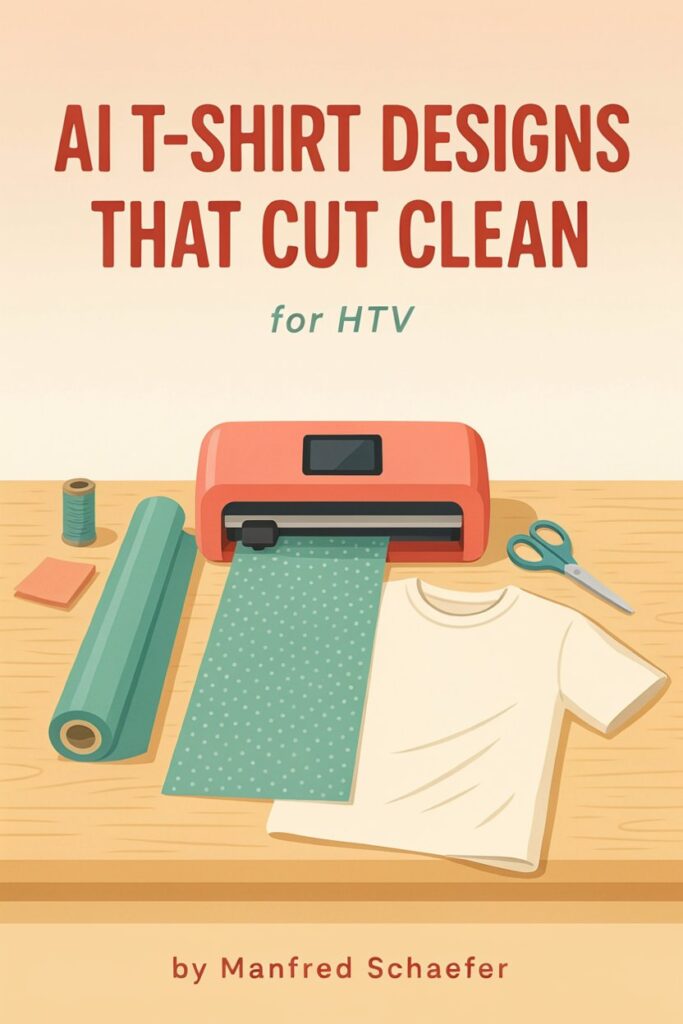
AI tools love detail, but heat transfer vinyl needs flat, one-color shapes. This guide gives you prompts that build your cutter’s limits in from the start. It walks you from idea to slogan, layout, icon and cut file, with a repeatable process you can use on any shirt.
Pick a slogan, add one simple icon, and get a clean HTV cut file without wasting vinyl.
AI tools love detail, but heat transfer vinyl needs flat, one-color shapes. This guide gives you prompts that build your cutter’s limits in from the start. It walks you from idea to slogan, layout, icon and cut file, with a repeatable process you can use on any shirt.
Who it is for: HTV hobbyists and small shirt makers who already own a vinyl cutter and can load, weed and press.
What is inside:
- Why AI and HTV fit together
- A confidence chapter with a 10-minute first action
- Six rules for what cuts clean
- Slogans with AI, including a facts-only prompt and a phrase-checking routine
- Fonts and layouts that weed easily
- One-color icons from an image AI
- Turning a picture into a cut file
- How to check the AI’s work
- Ten reusable design recipes
- A Bonus Pack: prompt cheat sheet, blank design card, weeding-safe checklist, 24-hour action plan and resource page
What you get: one PDF, 21 pages, instant digital download. Nothing is shipped.
Who it is not for: total beginners without a cutter, or anyone looking for finished cut files or complex multi-color art.
Please note: results depend on your own testing and effort. AI can make mistakes, so check every slogan, font license and image yourself. Platform, tool and marketplace rules change, so read the current terms before you sell. This is an independent guide and not legal advice.